
Turn quiz answers into product recommendations
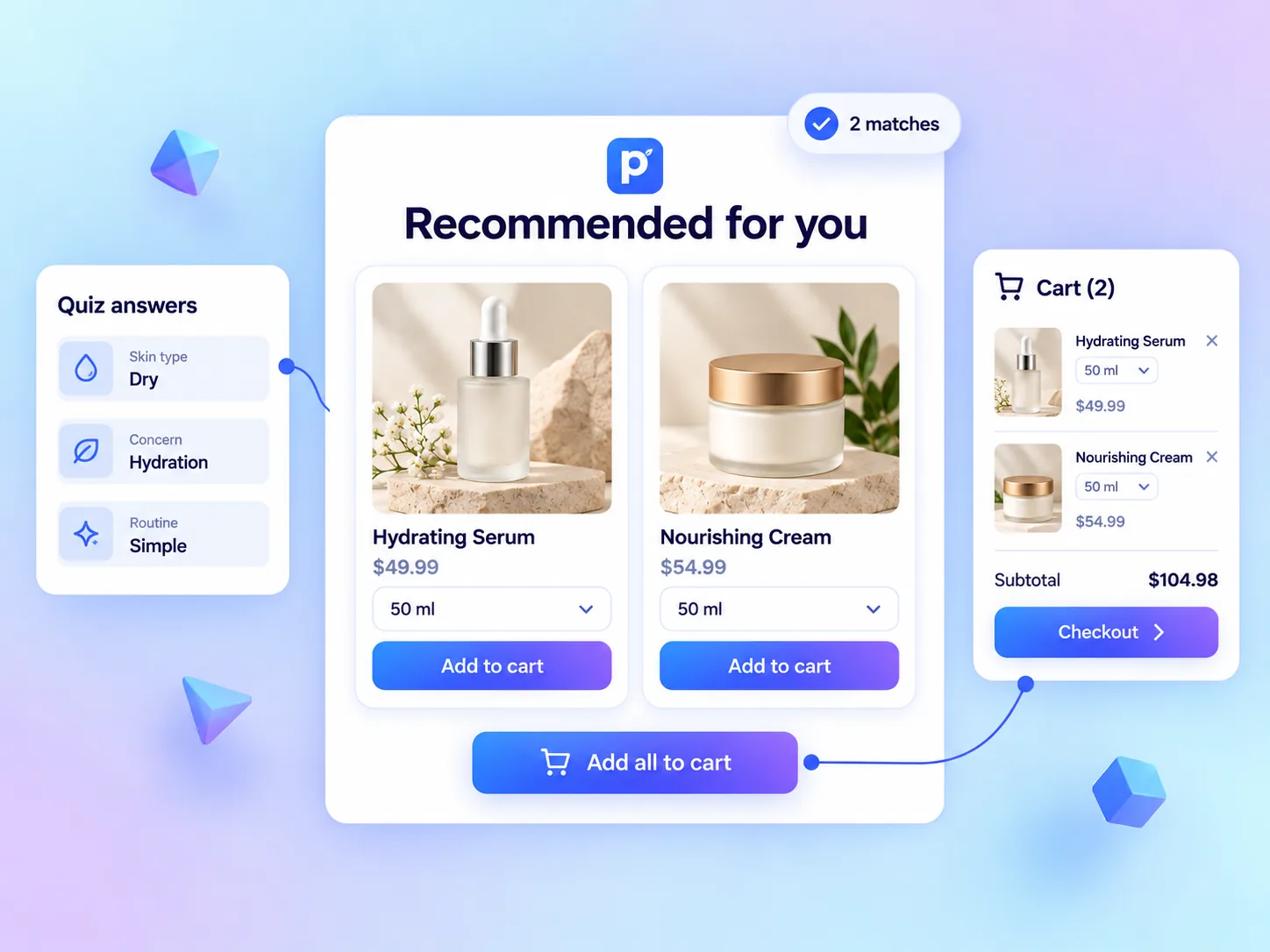
Map customer preferences to Shopify & Wix products, variants, tags, collections, or vendors in real time. Deliver personalized product recommendations and 1-click routine bundles that double store conversion rates.
No credit card required · Free forever plan
Connect quiz answers to the right catalog data
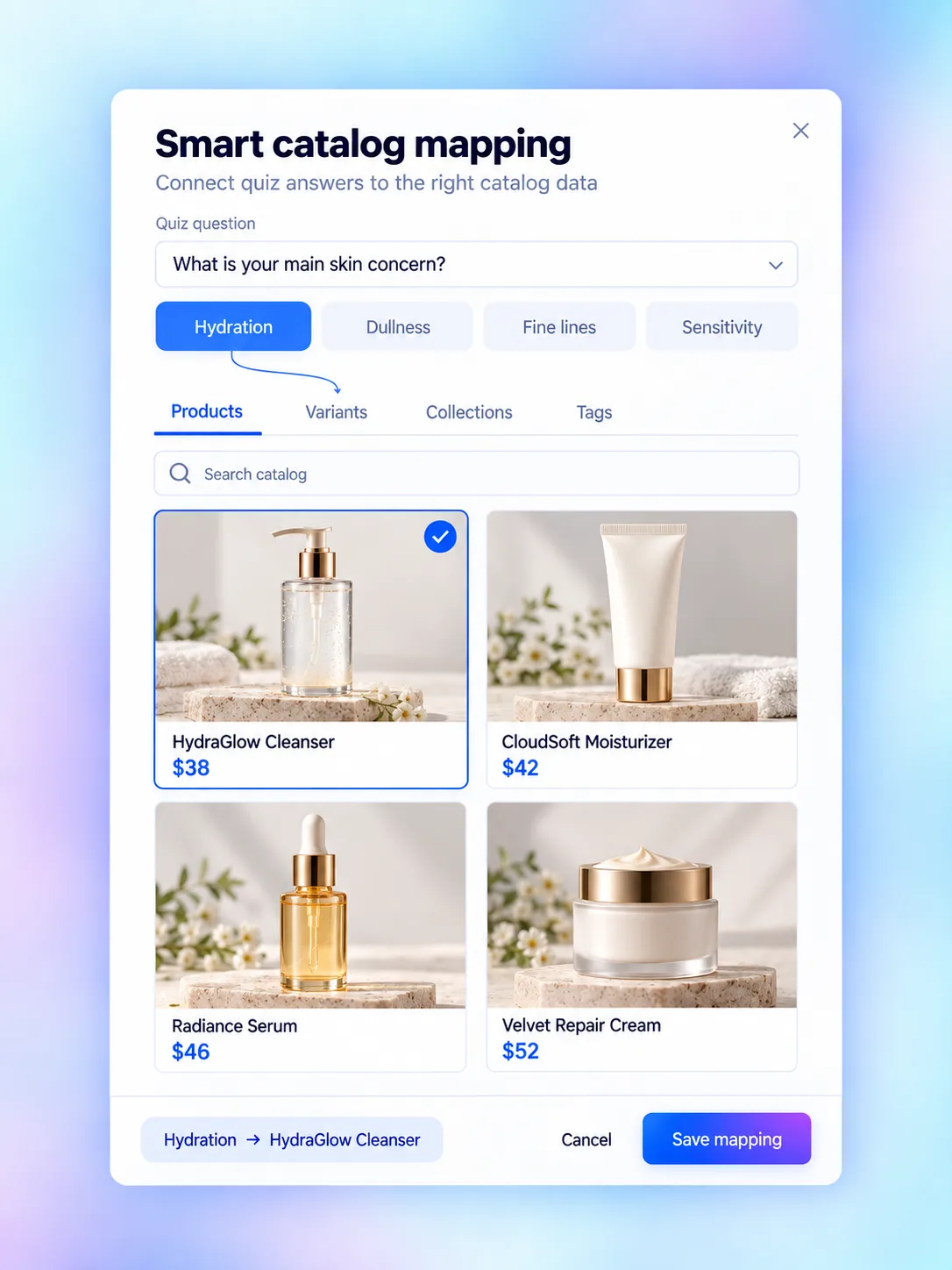
QuizyPilot gives you complete catalog mapping freedom. Attach quiz choices to specific products, exact SKU variants, store collections, product tags, or brand vendors — so your recommendation engine scales automatically as your store grows.
Products & Variants
Map answers directly to individual products or specific SKU options (size, shade, volume).
Tags & Collections
Attach choices to Shopify product tags (e.g., 'dry-skin', 'vegan') or entire store collections.
Vendors & Categories
Filter recommendations based on brand vendors or specific product category types.
Every rule you need to recommend & convert
Map answers to products, variants, tags, collections & vendors — calculate weighted match scores and drive 1-click product cart checkouts.
Direct SKU Product Mapping
ProductsAttach question choice options directly to specific store products (e.g. HydraGlow Cleanser $38)
Variant-Specific Mapping
VariantsMap choices to exact SKU variant options (e.g. 30ml / Default, 50ml, Shade 02)
Single Hero Product Layout
ProductsShowcase the shopper's #1 top-matched product in a prominent hero recommendation card
Top 3 Product Grid
ProductsPresent a side-by-side recommendation grid of top 3 best-fit products
Multi-Item Skincare Routine
ProductsGroup complementary products into a complete multi-step daily regimen
Fallback Product Rule
ProductsConfigure default fallback products if edge-case answer combinations yield zero score matches
Customize recommendations pixel for pixel
Take complete control over product card styling, typography, dynamic variables, routine layouts, and device visibility rules in the inspector panel.
Pixel-Perfect Typography & Fonts
Select Google & custom font families, adjust font sizes, line-height, letter spacing, alignment, and font weight for your product headers.
Colors & Style Inspector
Customize background fill, HSL gradients, card shadows, border radius, button colors, and opacity sliders for product cards.
Device-Specific Visibility
Control layout per device — display single product hero view on Mobile and multi-product card grid on Desktop screens.
Dynamic Variable Injection (+ VARIABLES)
Inject shopper answers (e.g. 'Since your skin concern is Hydration...') into the product recommendation results header and descriptions.
1-Click Add to Cart Triggers
Configure buttons to trigger native Shopify cart drawers, open external links, or add multi-item product routine bundles in 1 click.
Dry-Run Simulator & Fallbacks
Test answer-to-product paths inside the editor before publishing, and define fallback collections for edge-case choices.
Why ecommerce brands choose QuizyPilot Recommendations
Built specifically for storefront conversions, multi-attribute catalog mapping, and instant 1-click cart checkouts.
Visual WYSIWYG Builder
Build recommendations block-by-block. Live on-canvas editing ensures your design looks identical to live store shoppers.
No Theme Code Modifications
Install as a native Shopify theme app block or Wix widget. Never break theme updates or main site CSS.
Real-Time Product Inventory Awareness
Skip sold-out products automatically so shoppers are only recommended items ready for immediate fulfillment.
Device Visibility Controls
Show hero single item view on Mobile vs full routine grid on Desktop screens for max conversion rates.
Zero-Party Data CRM Mapping
Map every single quiz answer and product match tag directly into Klaviyo, Mailchimp, and your CRM stack.
Instant Cart Bundle Checkout
Enable 1-click 'Add Routine to Cart' buttons that push recommended items directly into your native cart drawer.
Structure your quiz in 4 seamless pages
Get Started
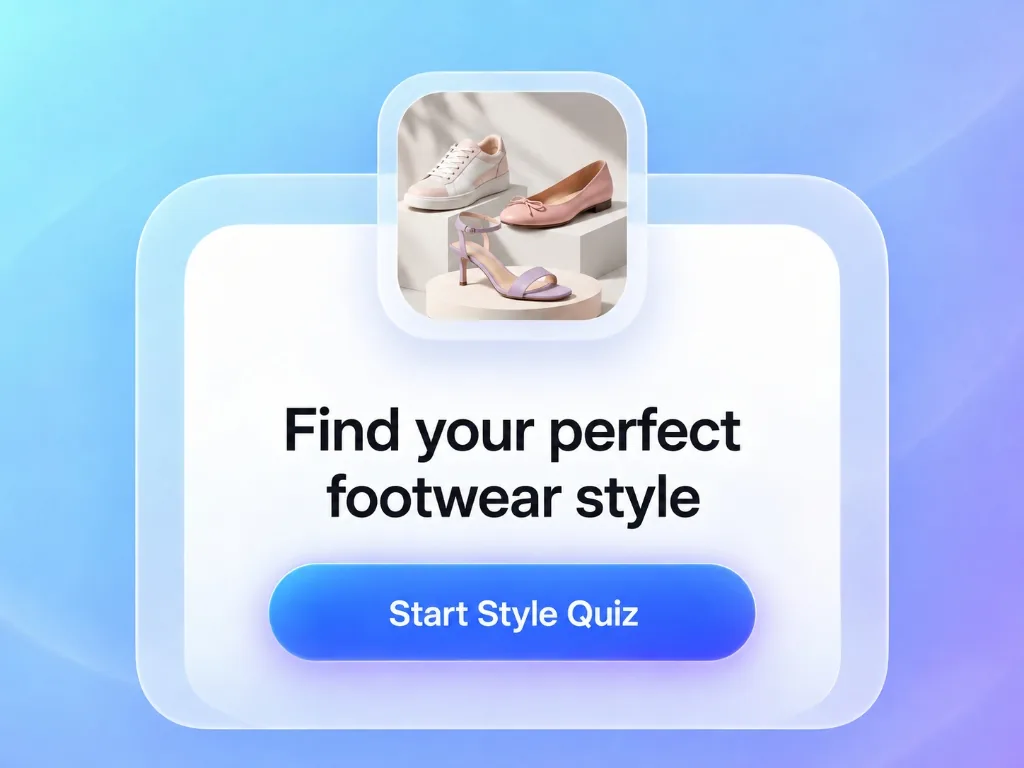
Hook shoppers with a welcoming hero screen, split image layouts, brand titles, and high-converting start buttons.
Ask
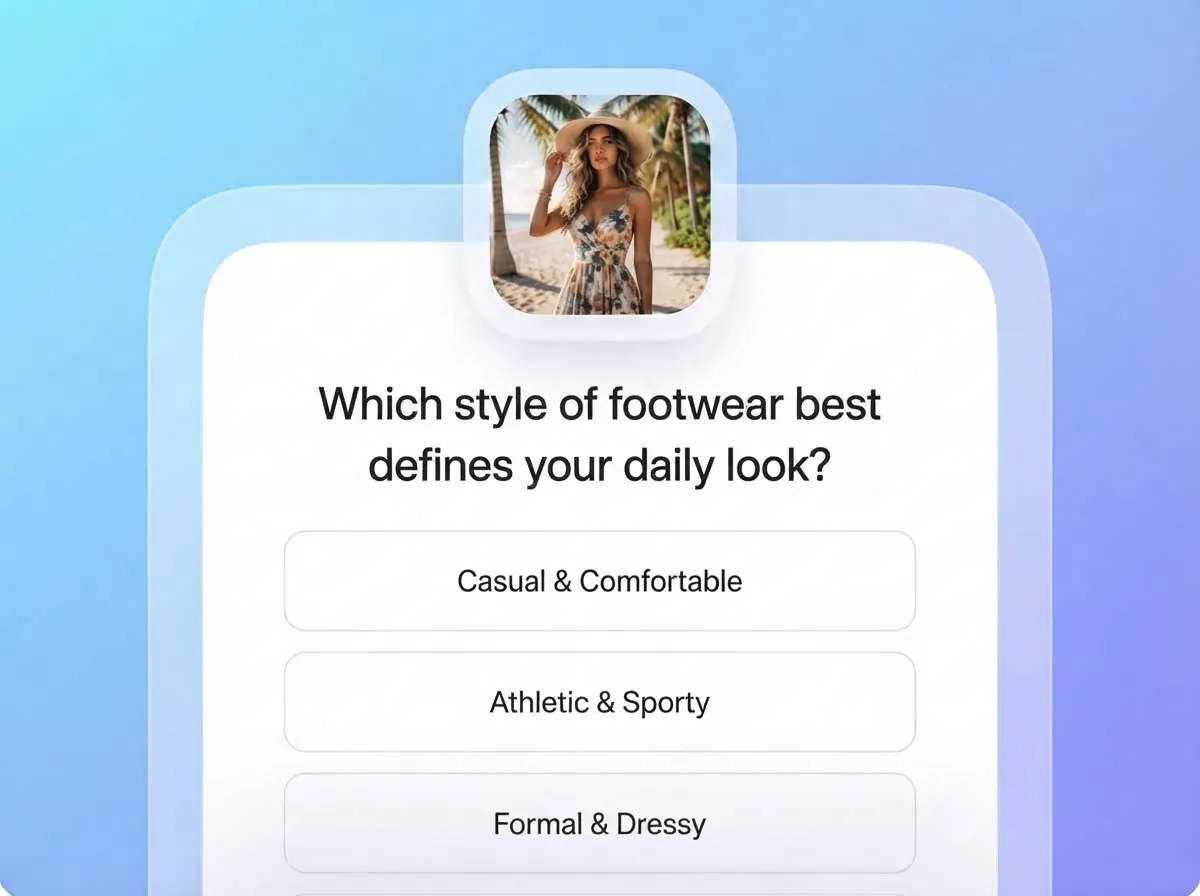
Meet shoppers with the right question at the right moment, in whatever format fits: quiz, form, or recommendation funnel.
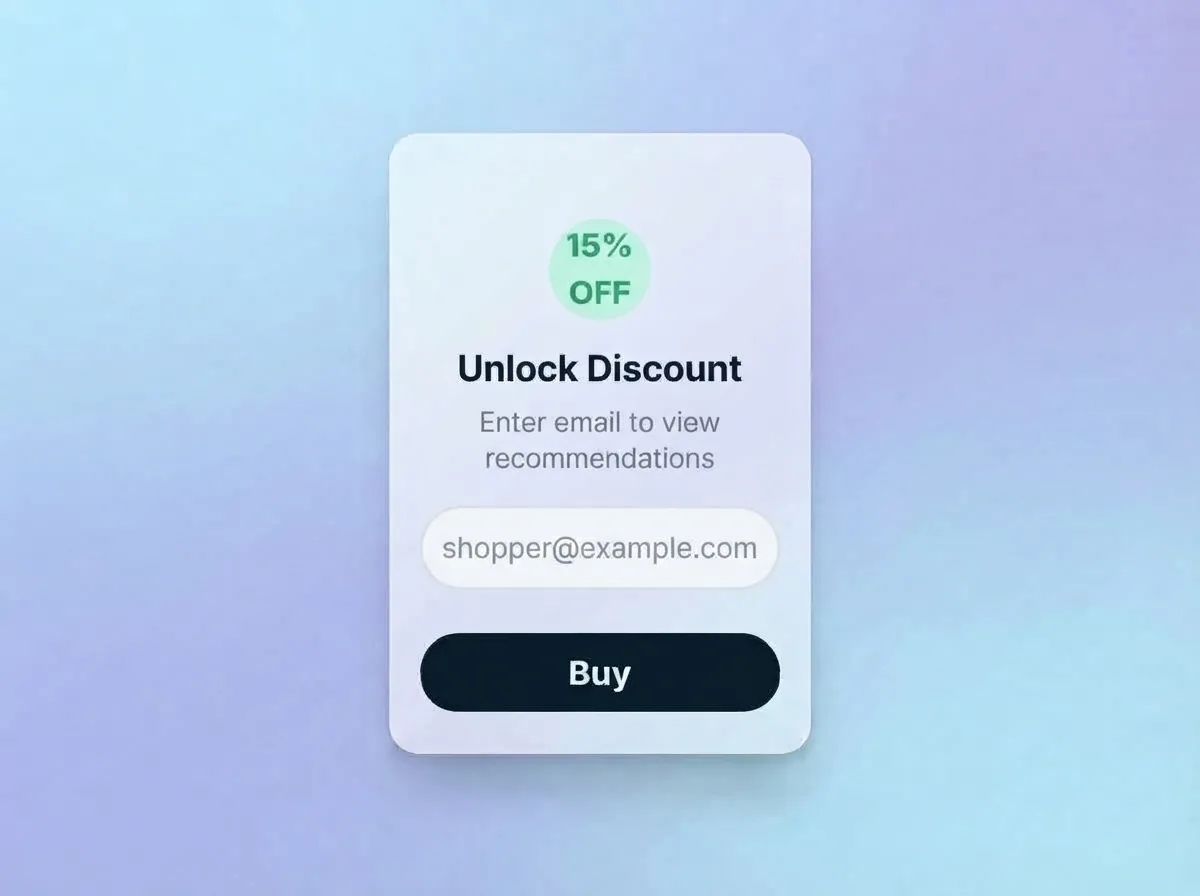
Collect Leads
Gather zero-party customer data, emails, and preferences automatically synced to your email marketing stack.
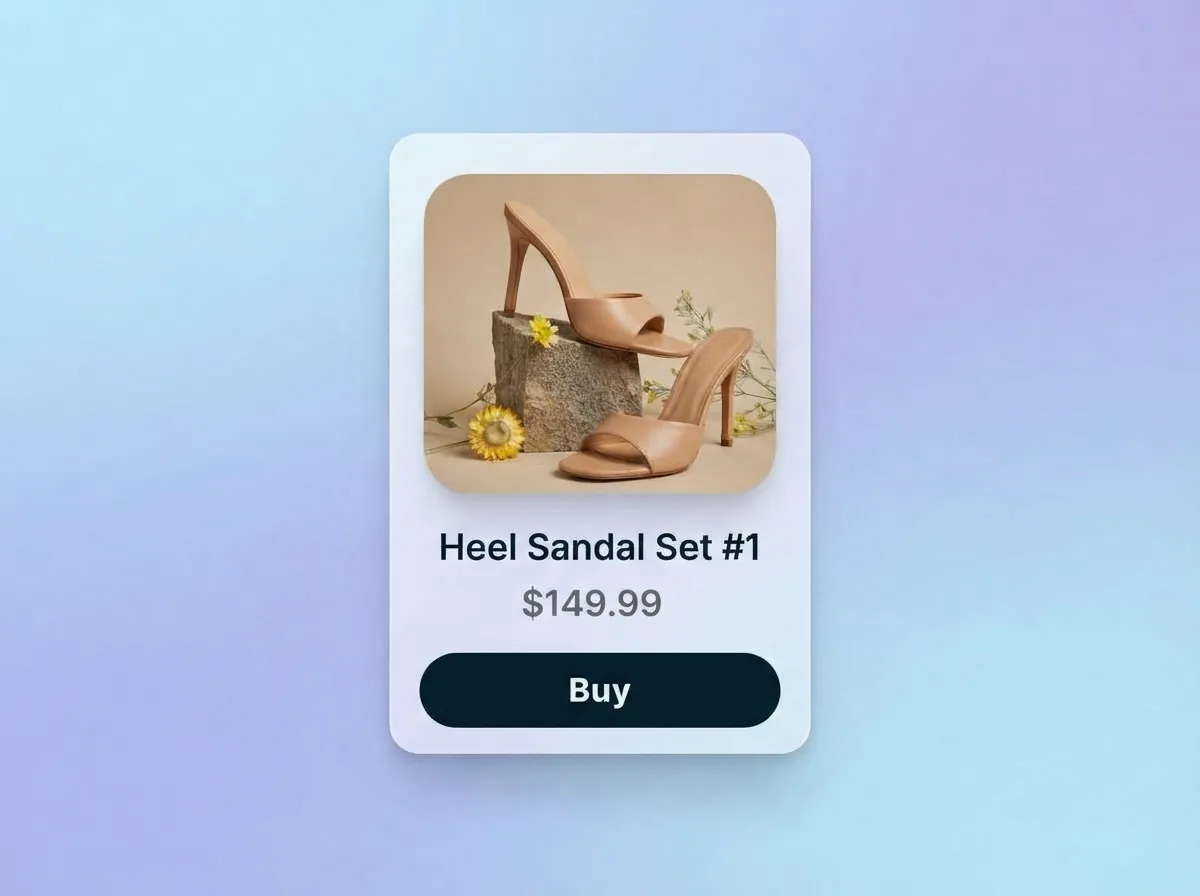
Recommend
Deliver instant, accurate product recommendations tailored directly to customer preferences and style choices.
QuizyPilot vs Generic Survey Tools
Traditional survey platforms capture feedback. QuizyPilot is purpose-built for ecommerce stores to recommend SKUs and drive immediate checkout revenue.
| Recommendation Feature | ⚡ QuizyPilot Engine | Generic Survey Tools |
|---|---|---|
| Shopify & Wix Live Catalog Sync | Real-time automatic sync of products, variants, tags & prices | ✕ Manual CSV uploads & static product links |
| Multi-Attribute Data Mapping | Map choices to Products, Variants, Tags, Collections & Vendors | ✕ Basic hardcoded single product redirect |
| Checkout Integration | 1-Click native cart drawer & 'Add All to Cart' routine bundles | ✕ External page redirect losing cart session |
| Zero-Party CRM Tagging | Sync shopper profile & recommended product matches to Klaviyo | ✕ Basic email collection without preference data |
| Dry-Run Logic Testing | Built-in interactive path simulator in visual editor | ✕ Manual live testing on published storefront |
| Fallback Collection Routing | Custom fallback collections & zero-match empty state options | ✕ Blank screen or error pages on zero-match combinations |
Product Recommendation Questions
Straight answers. If yours isn't here, a real person on our team is happy to help.
QuizyPilot uses a dynamic scoring engine. You can map answers directly to specific Shopify/Wix products, SKU variants, product tags (e.g., 'dry-skin', 'anti-aging'), store collections, or brand vendors. Products that match the highest number of selected answer criteria rank first on the results page.
Ready to build your interactive quiz funnel?
Start building in under 5 minutes. Free forever plan included — no credit card required.