
Analytics that show how your quiz actually performs
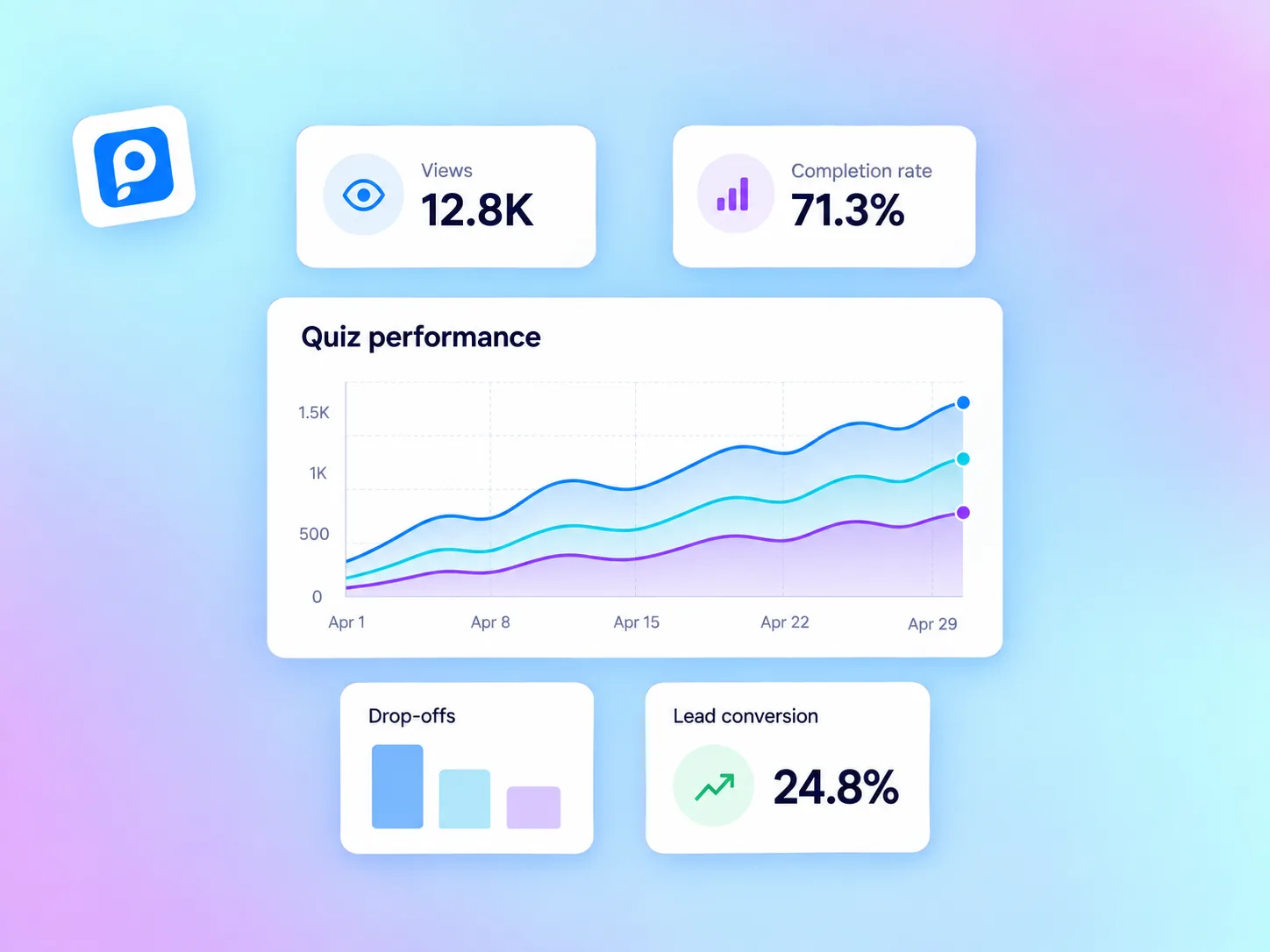
Track quiz views, starts, completions, completion rates %, drop-offs by page, device performance, and lead conversions. Understand what works and optimize your store funnel.
No credit card required · Free forever plan available
Spot drop-off points page by page
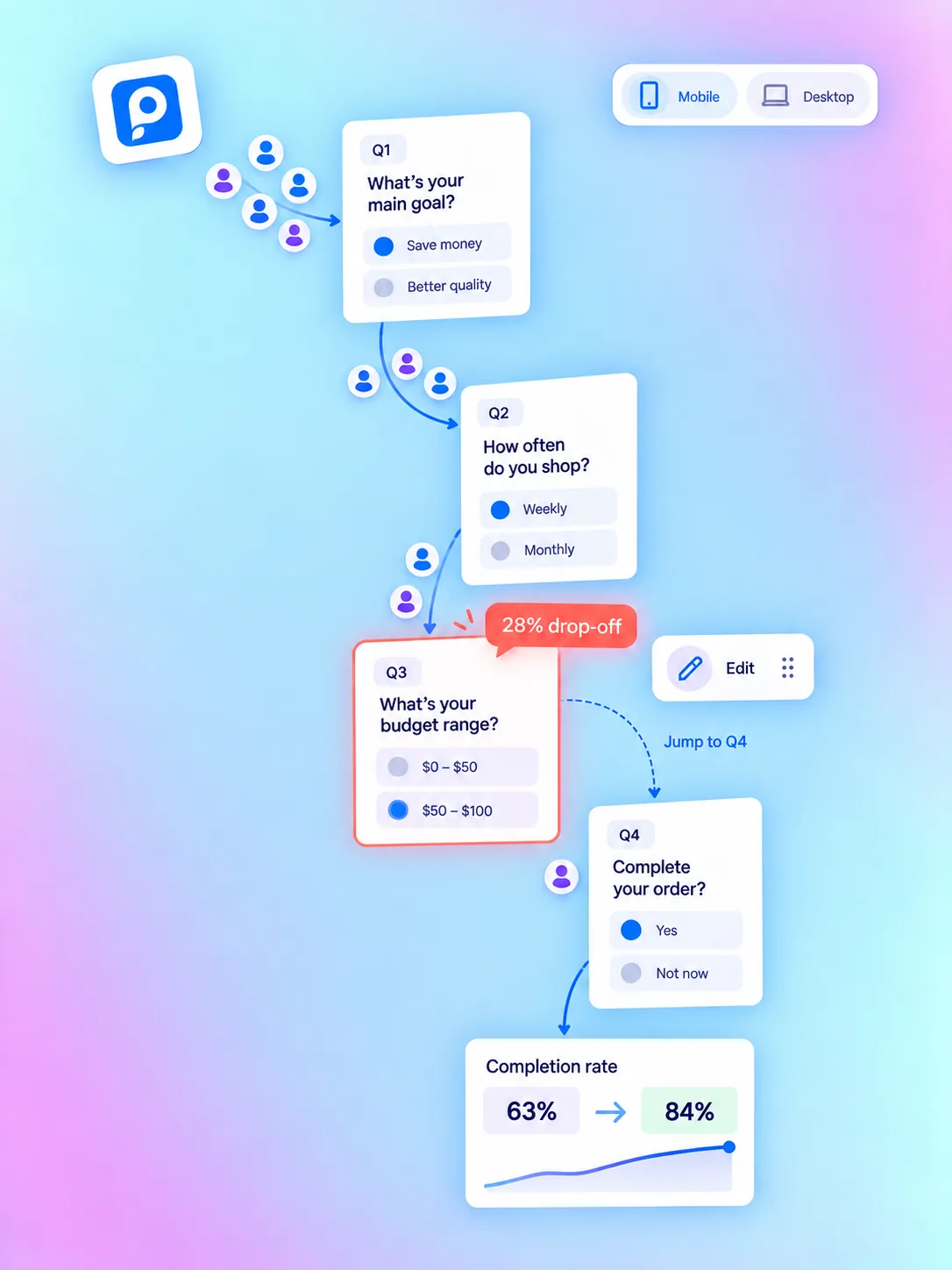
Identify exact question pages where shoppers leave. Re-word questions, adjust choices, or add jump logic to boost completion rates above 80%.
Page-by-Page Funnel Tracking
See exact completion and drop-off percentages for every single question step in real time.
Fix Weak Question Steps
Use drop-off data to shorten or re-order questions, then compare before-and-after completion rates.
Audience & Device Filters
Filter drop-off metrics by mobile vs desktop viewports to ensure mobile shoppers convert seamlessly.
Understand who takes your quiz and how they engage
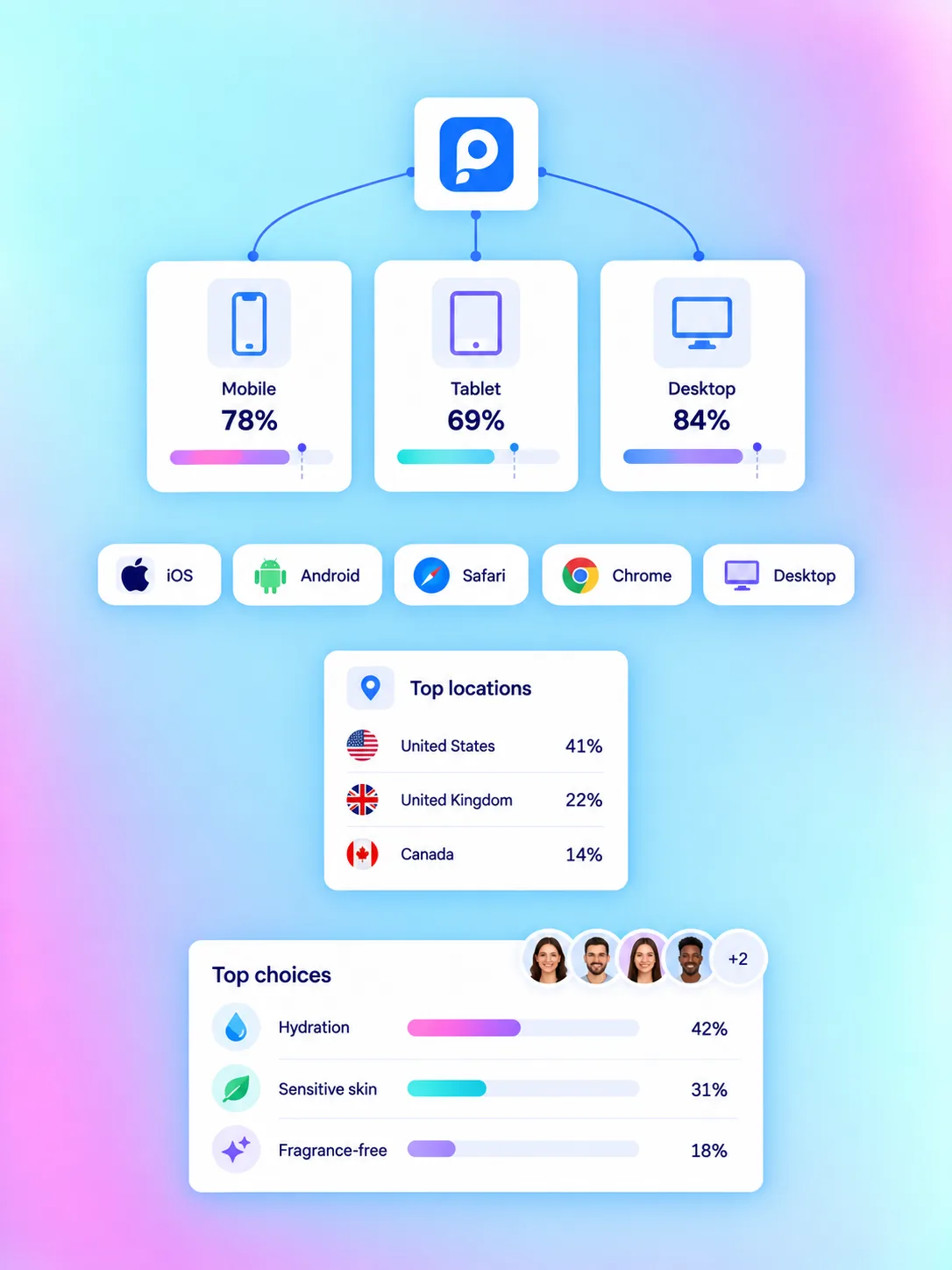
Gain deep visibility into mobile vs. desktop completion rates, browser compatibility, and geographic customer segments.
Mobile vs Desktop Performance
Compare completion and drop-off percentages across smartphone, tablet, and desktop viewports to optimize layout.
Browser & OS Compatibility
Inspect quiz engagement across iOS, Android, Safari, Chrome, and desktop browsers to ensure optimal experience.
Choice & Answer Aggregation
See top-selected customer preferences and product choices aggregated across all quiz responses.
Everything you need to measure & optimize
From page drop-off funnels and completion rate metrics to device breakdown and shopper insights, QuizyPilot provides clear performance reporting.
Views, Starts & Completions
FunnelTrack total quiz impressions, starts, and completion rates over any custom date range
Page-by-Page Drop-off Metrics
Drop-offIdentify the exact question page where shoppers leave so you can optimize or reword it
Overall Completion Rate %
CompletionMonitor overall start-to-completion funnel efficiency (average 80%+ with QuizyPilot)
Question Performance Insights
PerformanceAnalyze average time spent per question page to streamline quiz progression
Multi-Quiz Funnel Comparison
ComparisonCompare completion and drop-off metrics across different store quizzes simultaneously
Real-Time Response Logging
Real-TimeView incoming quiz completions live in your merchant dashboard as shoppers submit
Turn quiz metrics into higher completion rates
Understand customer behavior, fix weak funnel steps, and optimize your marketing campaigns with clear data.
Built-In Dashboard Analytics
No complex analytics setup required. QuizyPilot includes built-in view, start, completion, and drop-off metrics out of the box.
Page-by-Page Drop-Off Tracking
Spot exact questions where shoppers drop off so you can shorten, reword, or add logic jumps to maximize completion rates.
Lead Conversion Metrics
Monitor lead form submit rates, zero-party preference capture, and shopper contact submissions per quiz.
Shopper Response Trends
Analyze aggregated customer choice selections and popular preferences to inform your product catalog and marketing.
Device & Audience Breakdown
Compare completion rates and drop-off percentages across mobile, tablet, and desktop viewports to optimize layout.
GA4, Meta & TikTok Pixel Sync
Additionally stream custom quiz events (QuizView, QuizStart, Lead, Completion) to your ad pixels for campaign optimization.
Why merchants trust QuizyPilot Analytics
Built specifically for e-commerce store owners to track completion, drop-offs, and customer preference trends.
Automated Dashboard Setup
No complex Google Analytics setup required. Metrics start tracking automatically on publish.
Direct Lead & Completion Reporting
Track exact completion rates %, lead conversions, and product recommendation clicks.
Page-by-Page Drop-off Funnel
Spot the exact question page where shoppers leave so you can shorten or reword it.
Device & Viewport Analytics
Compare mobile vs desktop completion rates to ensure optimal experience across all screens.
Mobile vs Desktop Breakdown
Ensure mobile viewports convert effectively with device-specific engagement metrics.
Ad Pixel Conversion Sync
Stream ViewContent, Lead, and Completion events to GA4, Meta Pixel & TikTok Pixel.
Optimize quiz performance in 4 simple steps
Publish Your Quiz
Analytics tracking activates automatically on publish with zero scripts or tracking tags to set up.
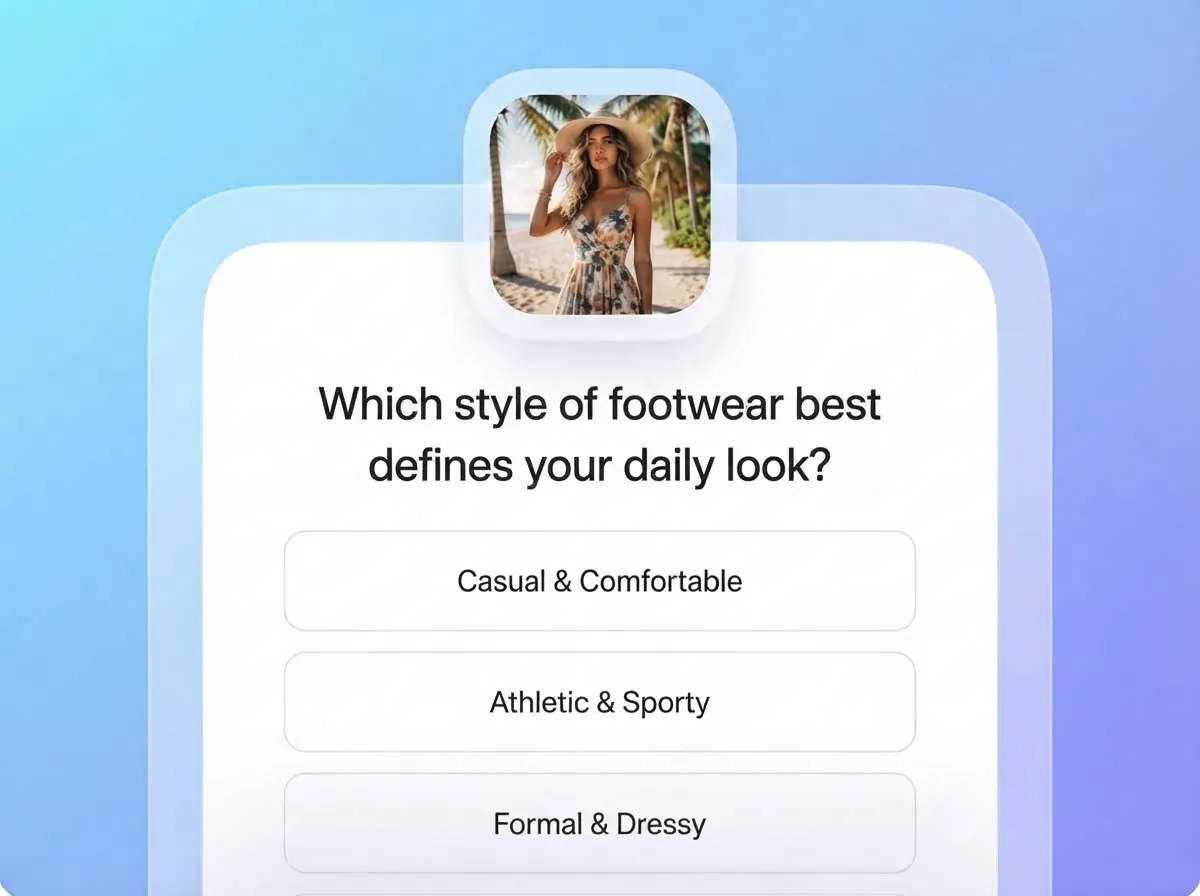
Watch the Funnel
Views, starts, completions, and per-question drop-off populate in real time as shoppers take the quiz.
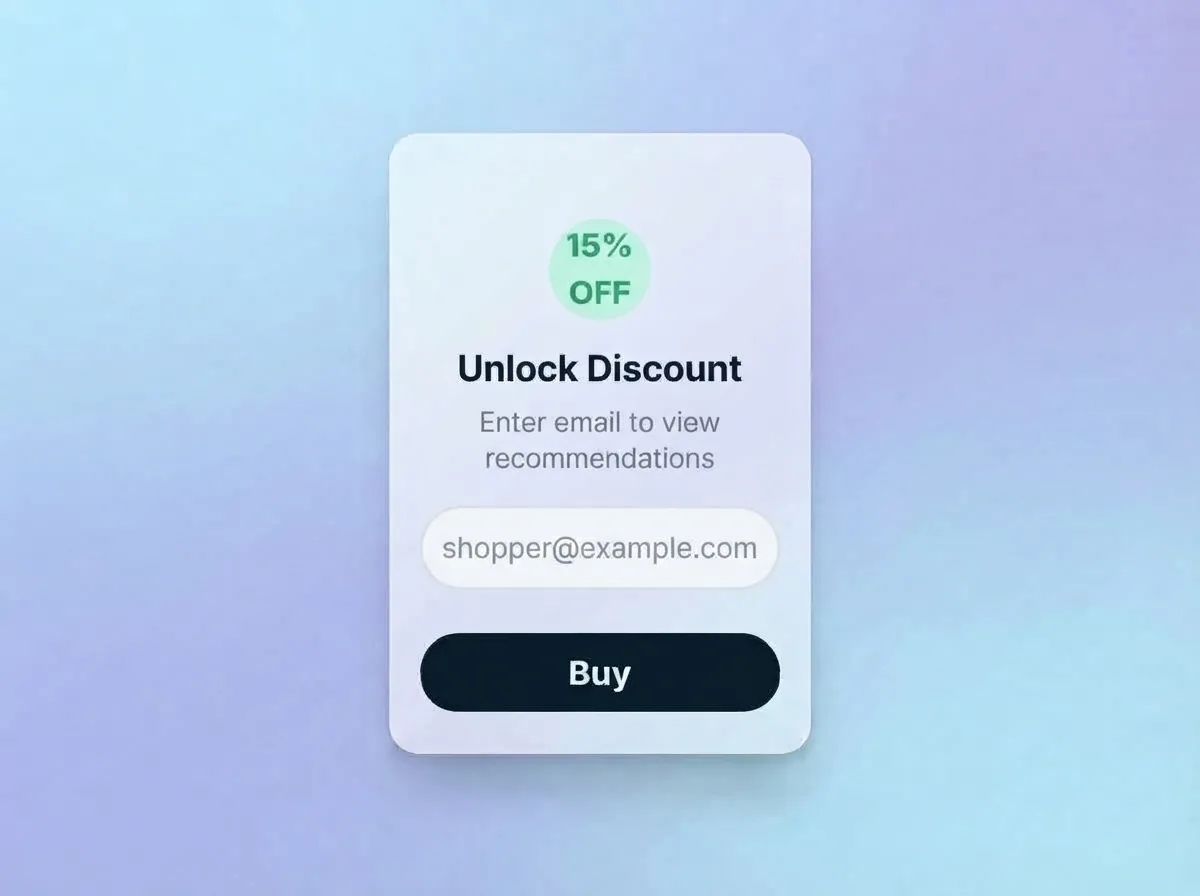
Optimize Weak Steps
Use drop-off insights to re-order questions or add logic jumps, then watch your completion rate increase.
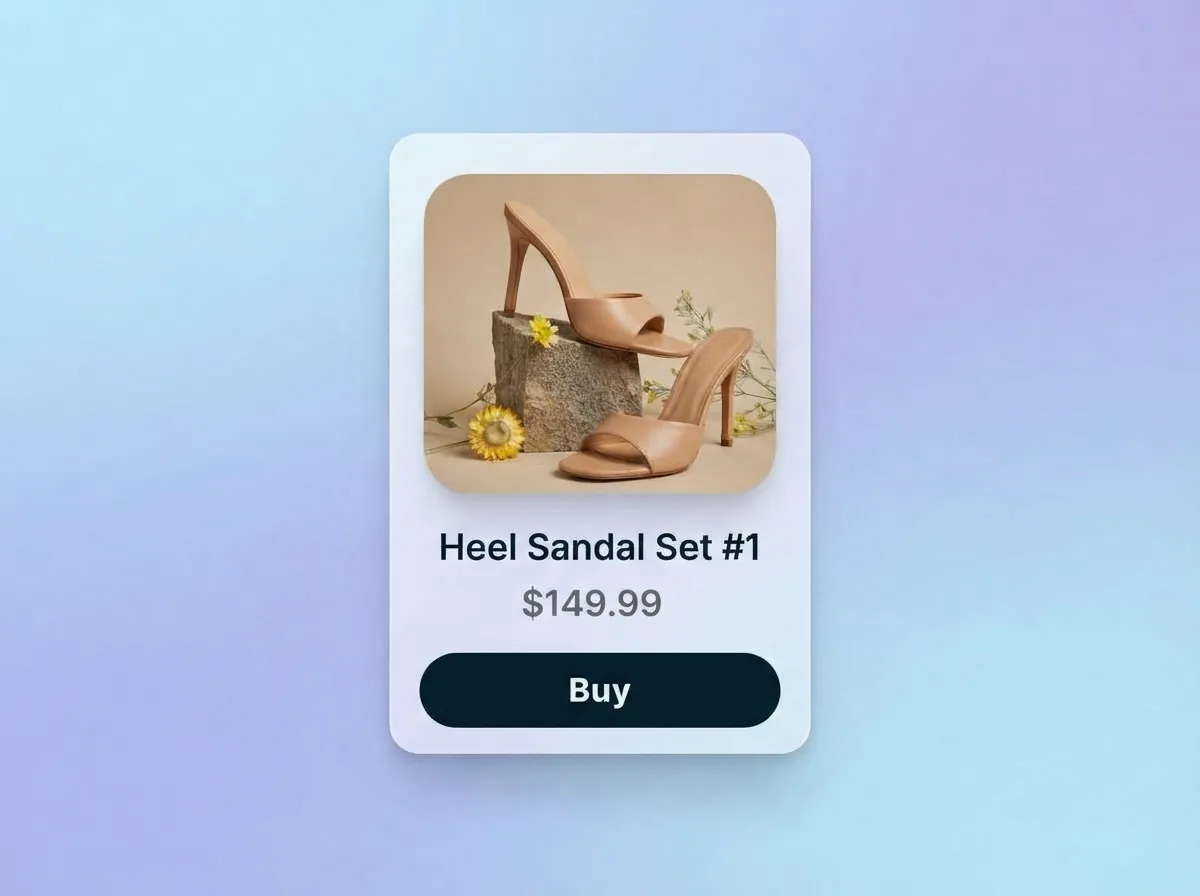
Track Conversions
Open analytics to monitor completion rates, leads captured, and top recommended products.
QuizyPilot vs Generic Analytics Tools
Generic analytics tools track simple page views. QuizyPilot provides purpose-built e-commerce quiz analytics, per-question drop-off funnels, and lead conversion metrics.
| Analytics Feature | ⚡ QuizyPilot Analytics | Generic Survey Tools |
|---|---|---|
| Analytics Setup Required | 100% automated & built-in upon publishing quiz | ✕ Requires complex manual Google Tag Manager event setup |
| Lead & Completion Reporting | Direct completion rate %, drop-off per question & lead metrics | ✕ Basic total submit count without question drop-off data |
| Per-Question Drop-off Funnel | Visual step-by-step completion & drop-off analysis | ✕ No page-by-page funnel visualization |
| Device & Viewport Analytics | Tracks mobile vs desktop performance, completions & drop-offs | ✕ No device-level completion breakdown |
| Ad Pixel Event Streaming | Native event streaming to GA4, Meta Pixel & TikTok Pixel | ✕ No native conversion pixel event triggers |
| Customer Preference Aggregation | Aggregates popular answer trends (e.g. 64% Oily Skin) | ✕ Raw unformatted survey response logs |
Quiz Analytics Questions
Straight answers. If yours isn't here, a real person on our team is happy to help.
No! QuizyPilot includes full built-in analytics out of the box. You can additionally connect Google Analytics 4, Meta Pixel, or TikTok Pixel to stream conversion events to your ad reporting tools.
Ready to build your interactive quiz funnel?
Start building in under 5 minutes. Free forever plan included — no credit card required.