
Add recommended products straight to cart
Turn instant quiz recommendations into immediate store sales. Shoppers add single products or complete multi-item routine bundles to their cart drawer in 1 click without leaving the quiz.
No credit card required · Free forever plan available
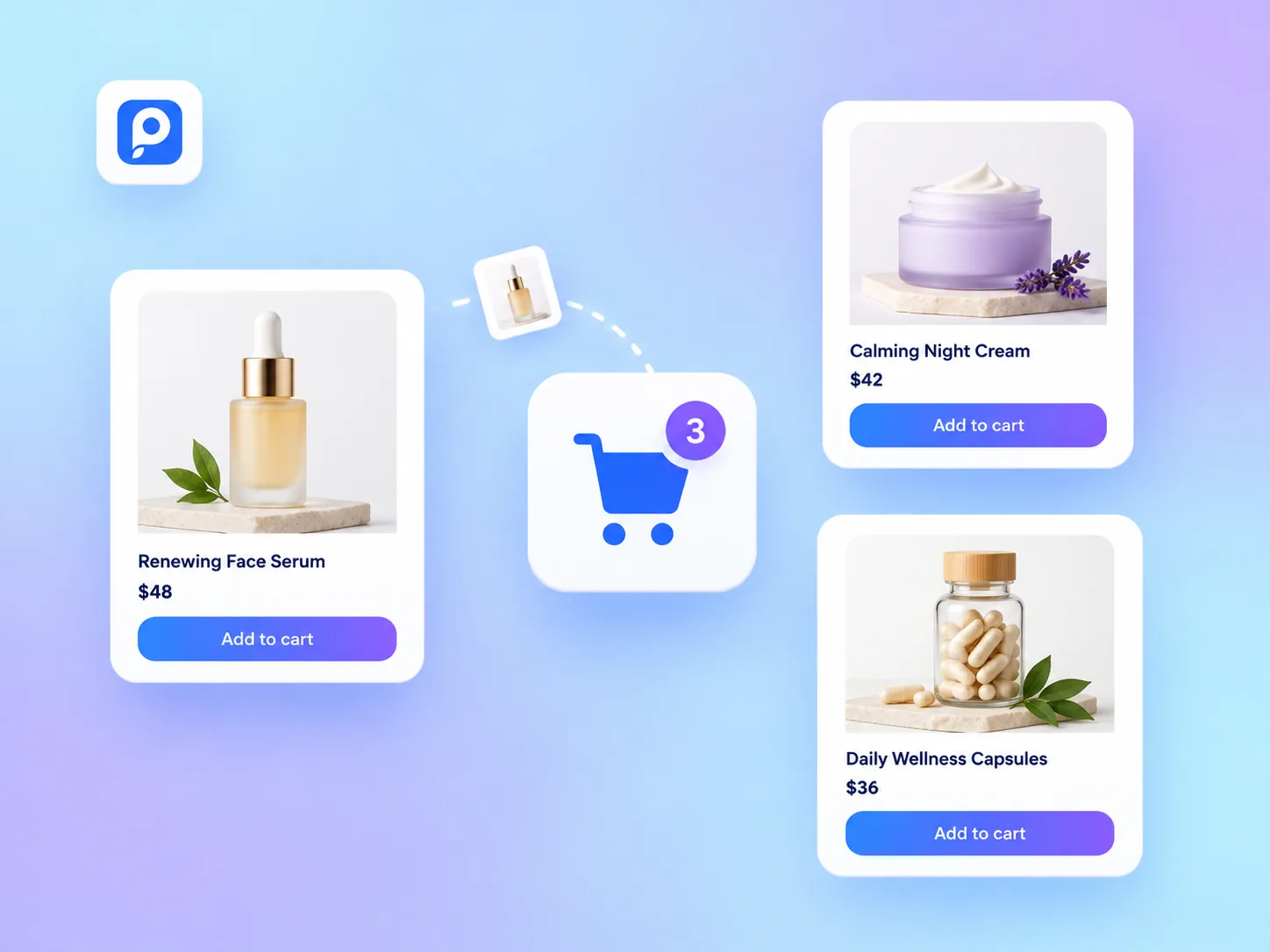
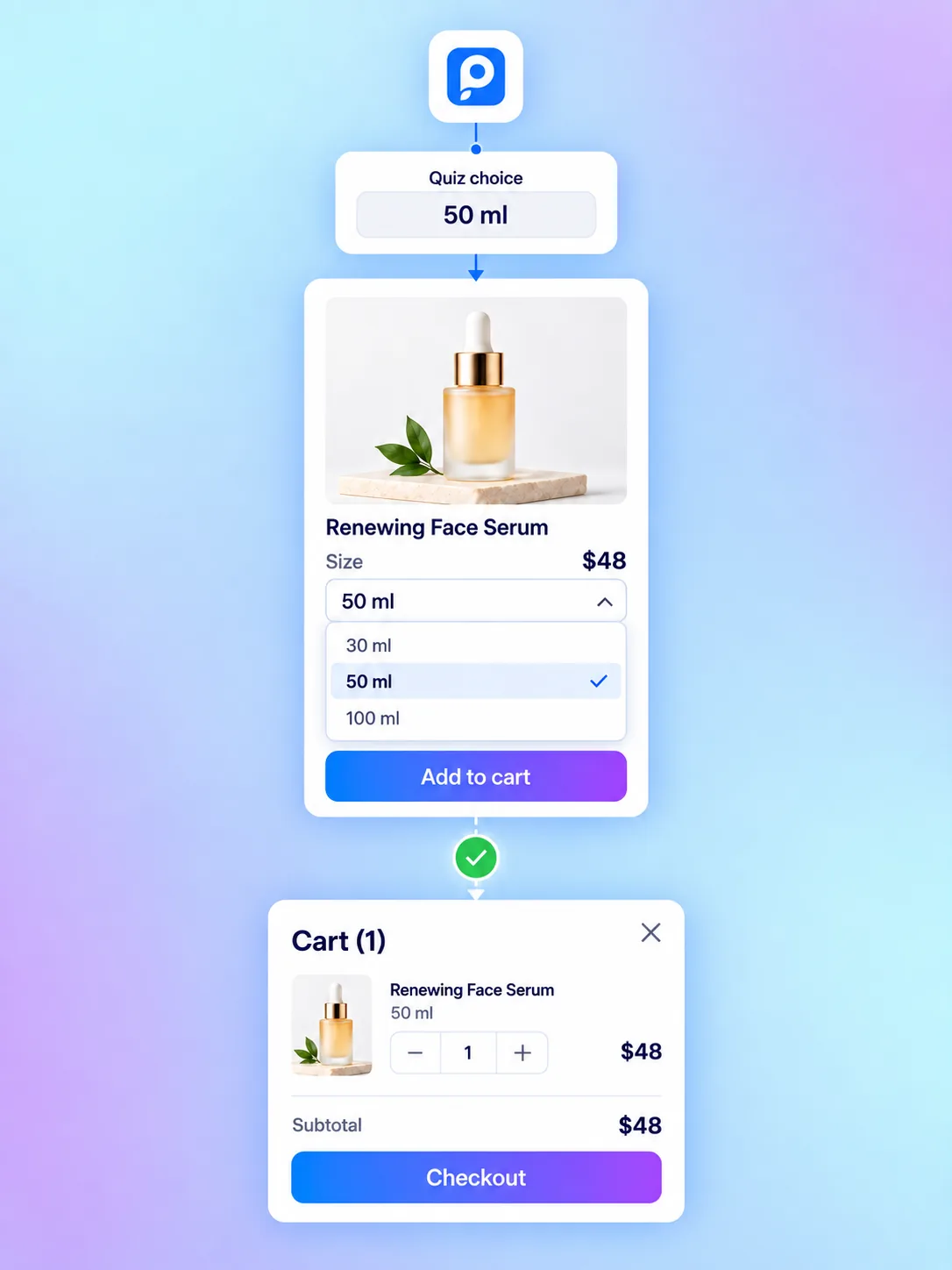
Variant-aware cart addition for every SKU
Give shoppers full control over their purchase. QuizyPilot presents size, shade, or volume dropdowns directly on the recommendation results screen so the exact SKU lands in the cart.
Precise Variant Mapping
Map quiz choices directly to specific product variants so the right size, color, or shade is pre-selected.
Dynamic Variant Dropdowns
Shoppers select sizes (e.g. 30ml vs 50ml) or shades right on recommendation cards with live price updates.
Native Cart Drawer Triggers
Adding items to cart triggers your store's native Shopify cart drawer without refreshing the page.
Everything you need to recommend & convert
From 1-click routine bundle checkouts to live SKU variant selectors and native cart drawers, QuizyPilot turns recommendations into sales.
1-Click 'Add All to Cart'
BundlesPrimary action button that pushes an entire recommended product routine to cart at once
Single Product Cart Action
CheckoutShoppers can add individual recommended items directly from recommendation cards
Shopify Theme Cart Drawer
Cart DrawerTriggers your store's native cart drawer immediately upon product addition
Routine Regimen Bundles
RoutinesBundle complementary products (Cleanser + Serum + Moisturizer) with total price calculations
Frictionless Checkout Transfer
CheckoutTransfers SKU selections, quantities, and properties straight to checkout
Zero Page Reload Friction
SpeedAdd to cart happens asynchronously in the background without refreshing the quiz
Customize checkout actions pixel for pixel
Match your brand typography, button styles, routine bundle cards, and mobile cart drawer triggers.
1-Click 'Add All to Cart'
Allow shoppers to add entire multi-product skincare routines or multi-item kits directly to their cart drawer in 1 click.
Variant & SKU Selection
Display size, shade, or volume dropdowns so shoppers can choose their exact SKU preference before adding to cart.
Native Cart Drawer Trigger
Fires your store's native Shopify cart drawer immediately upon product addition with zero page reload friction.
High-Intent Checkout Flow
Shoppers add recommended items to cart directly at the moment of highest intent upon viewing their quiz matches.
Zero Theme Edits Required
Installs cleanly as a native Shopify theme app extension. Publish or update buttons without editing Liquid code.
Mobile Sticky Cart Bar
Mobile-optimized floating 'Add Routine to Cart' bar ensures shoppers on mobile devices convert effortlessly.
Why merchants choose QuizyPilot 1-Click Checkout
Built specifically to eliminate recommendation drop-off and maximize store conversion rates.
1-Click Routine Bundling
Allow shoppers to add entire multi-item routines to their cart drawer in a single click.
Variant & SKU Selection
Shoppers select sizes, volumes, or shades directly on recommendation cards.
Direct Cart Drawer Integration
Triggers your store's native cart drawer immediately upon product addition with zero page reload delay.
Native Cart Drawer Sync
Fires native theme cart drawers on Shopify and Wix with zero page reload delay.
High-Intent Checkout Flow
Shoppers add recommended items to cart directly upon viewing personalized matches.
Zero Theme Liquid Edits
Installs cleanly as a Shopify theme app extension with zero code modifications.
Set up 1-click cart in 4 simple steps
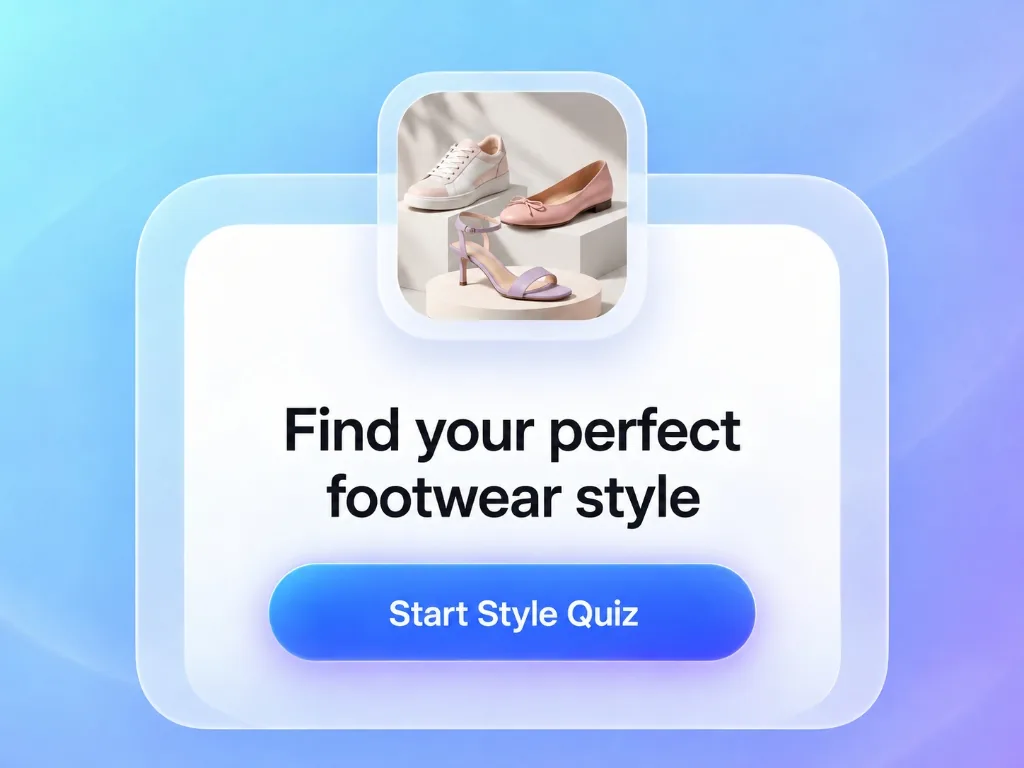
Connect Catalog Data
Shopify and Wix products, SKU variants, and prices auto-import in seconds.
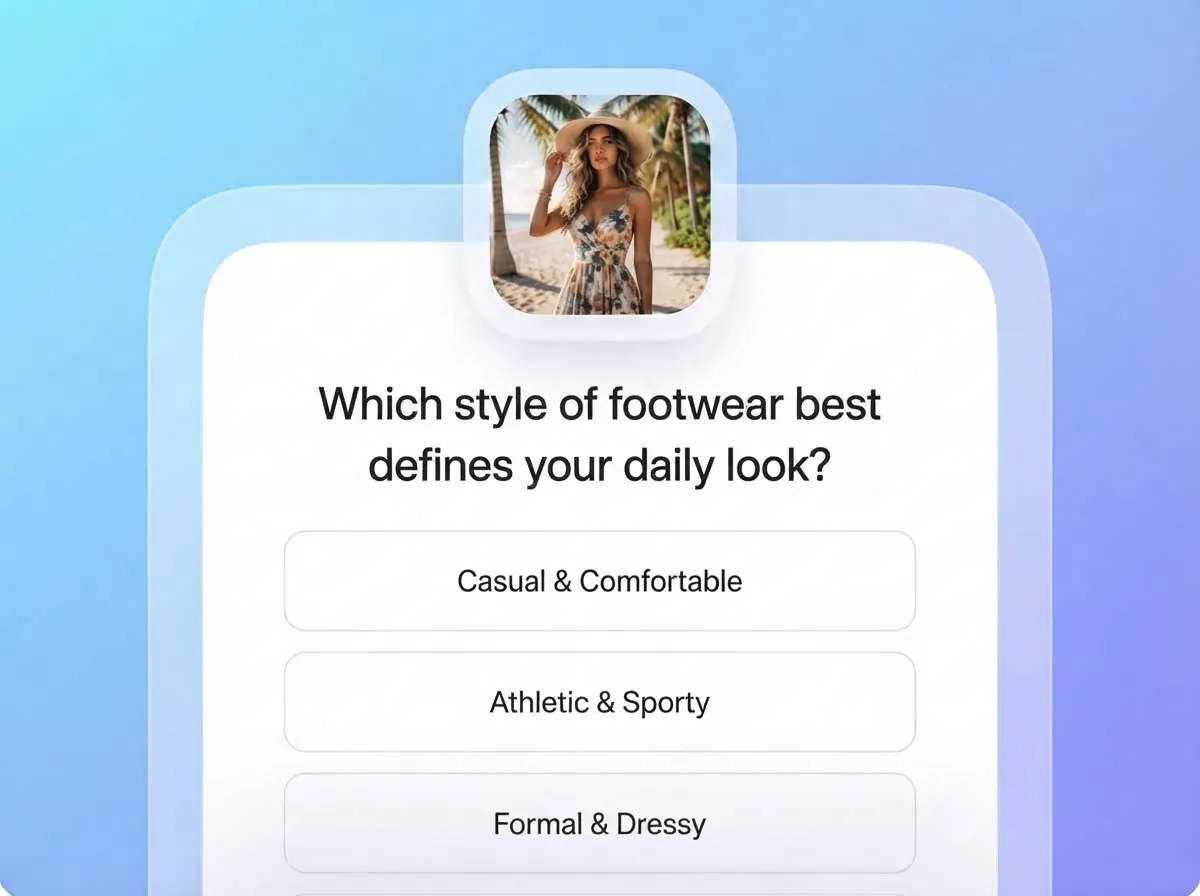
Enable Add to Cart
Turn on the add-to-cart button on your product recommendation cards and choose single or bundle mode.
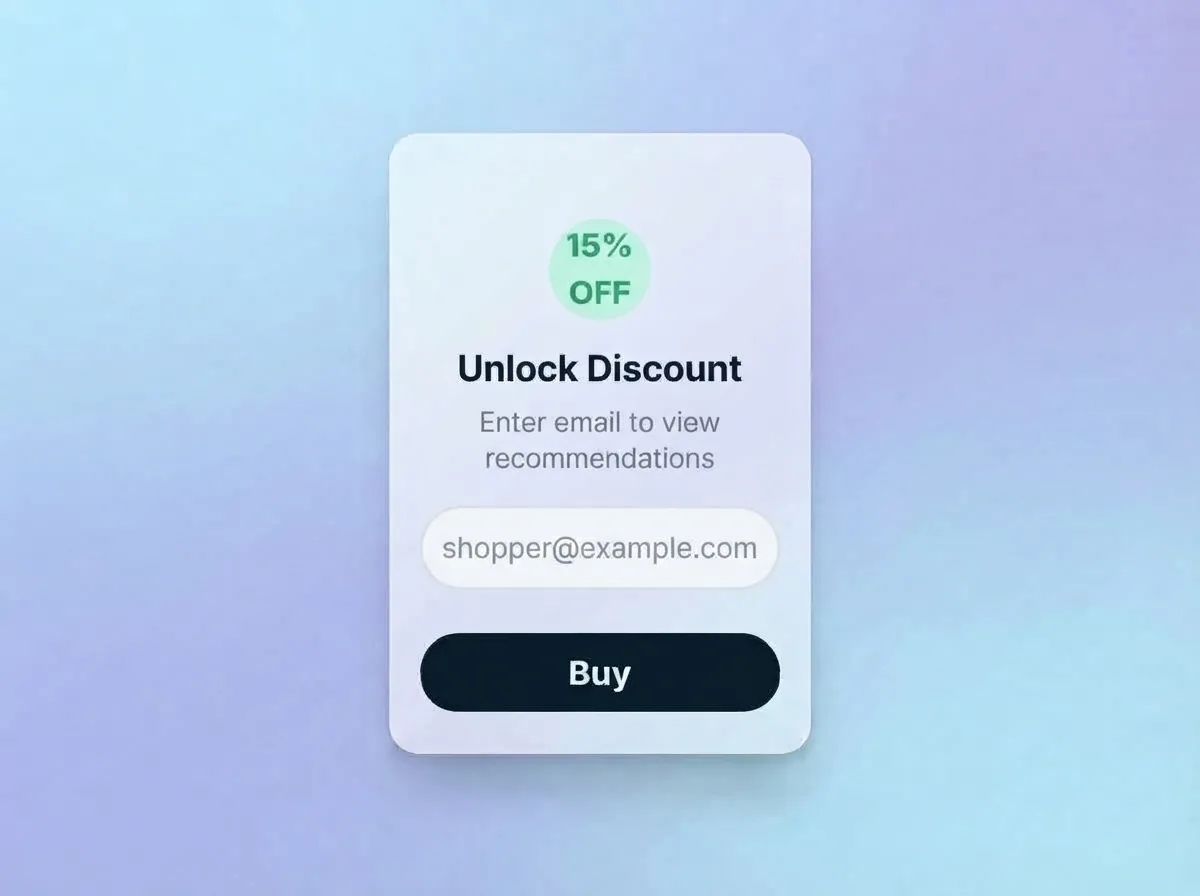
Customize Button & Drawer
Style button colors and fonts to match your store, and enable native Shopify cart drawer triggers.
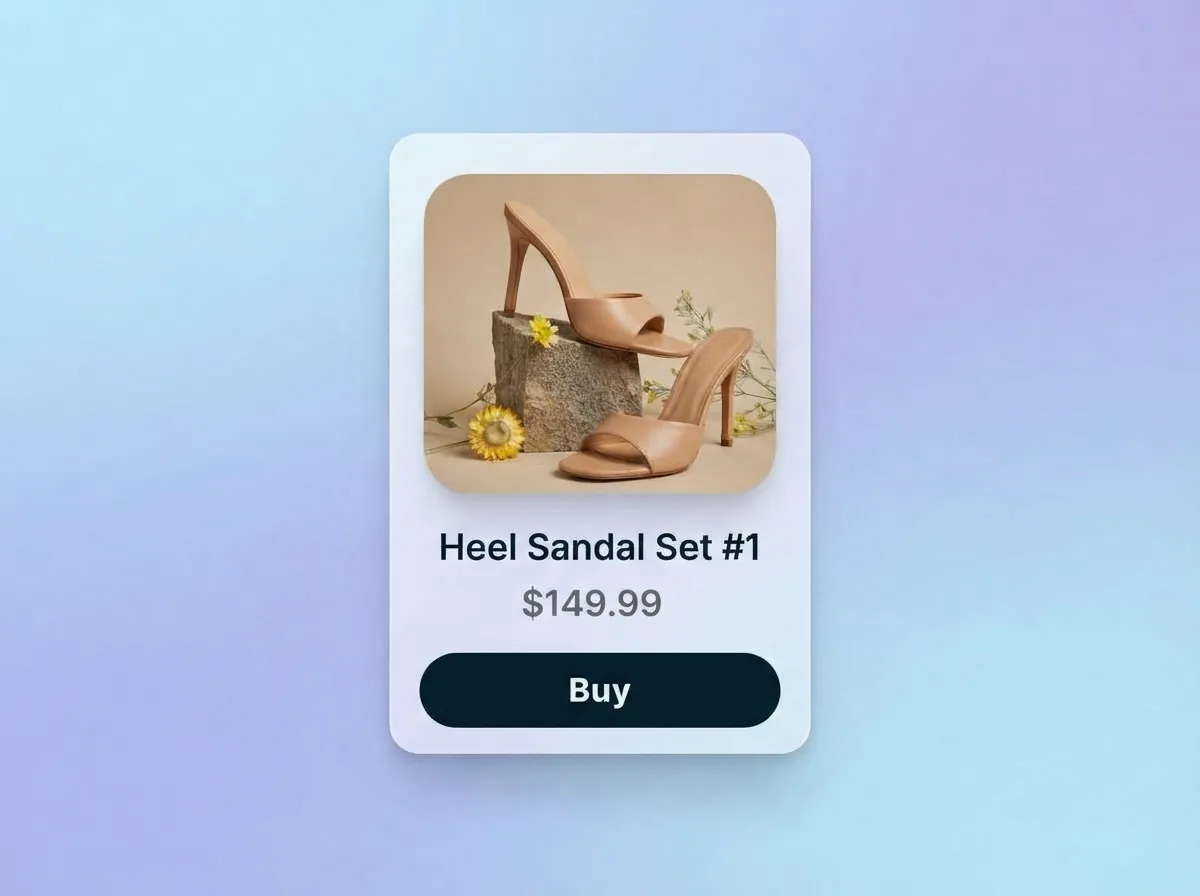
Publish & Boost Conversions
Publish your quiz and let shoppers add recommended product routines straight to their cart drawer.
QuizyPilot vs Generic Survey Tools
Traditional survey tools redirect shoppers away from your store. QuizyPilot provides native 1-click cart drawer integration and instant checkout.
| Add to Cart Feature | ⚡ QuizyPilot Checkout | Generic Survey Tools |
|---|---|---|
| Cart Addition Action | 1-Click native cart drawer & 'Add All to Cart' routine bundles | ✕ External page redirect losing cart session |
| Variant & SKU Support | Live dropdowns for sizes, shades & volumes with price sync | ✕ Static single product links without variant selection |
| Routine & Bundle Sync | Instant multi-item routine cart addition in 1 click | ✕ Requires adding each item individually to cart |
| Theme Code Modification | Zero code edits — native Shopify theme app block | ✕ Requires custom Liquid snippets and JavaScript hacks |
| Frictionless Checkout | Instant Ajax cart drawer trigger without page reloads | ✕ Slow redirects that lose shopper context |
| Mobile Optimization | Responsive sticky 'Add Routine to Cart' mobile bar | ✕ Clunky mobile layouts that overflow screen width |
Add to Cart Questions
Straight answers. If yours isn't here, a real person on our team is happy to help.
Yes! QuizyPilot triggers your theme's native Shopify cart drawer (or Wix cart) automatically upon product addition, keeping the checkout experience 100% native to your store.
Ready to build your interactive quiz funnel?
Start building in under 5 minutes. Free forever plan included — no credit card required.